
Vibe Coding Websites
So Developers Don't Curse You Later
Shortly after I deployed my first website with Claude Code last May, I was on a call showing a software developer what I’d built. When I explained my deployment process—dragging and dropping a folder into Netlify—I could see him trying to figure out how to say “what the fuck are you doing” politely.
My background is Python and data science, not front end. If you ask me how to explore a dataset or pick a good visualization, I'll give you some curse-of-knowledge answer that's useless to a beginner. But I've only been building websites with Claude Code for eight months, so there’s definitely no curse of knowledge here. Through trial and error (and suggestions), this is where I've landed and why in terms of technical practices.
What I’m Building and How
These tips are somewhat specific to what I build, which is data pipelines with static JavaScript front ends.
A static site is a site with no back end—no server running code, no database being pulled from. It’s just HTML, CSS, and JavaScript files sitting somewhere. When a user visits your site, their browser downloads those files and runs the JavaScript locally. Everything happens in that browser.
For almost all of these, I also have a Python pipeline that processes data and outputs data files. The pipeline runs on my computer (or, as the project matures, on a schedule via GitHub Actions), regenerates the file with new data, and pushes the updated data to GitHub. From there, Netlify—a service that hosts static sites for free—automatically deploys it.
If instead you’re building a website with user accounts and a database, this still applies, but you’ve got a lot more to worry about on top of that.
Put It on the Internet–Continuously
Don't be me eight months ago, dragging and dropping folders. Set up Netlify to do continuous deployment from GitHub: you push code and data to GitHub, and Netlify automatically rebuilds and deploys the site.
This matters because deployment should be easy, boring, and automatic.
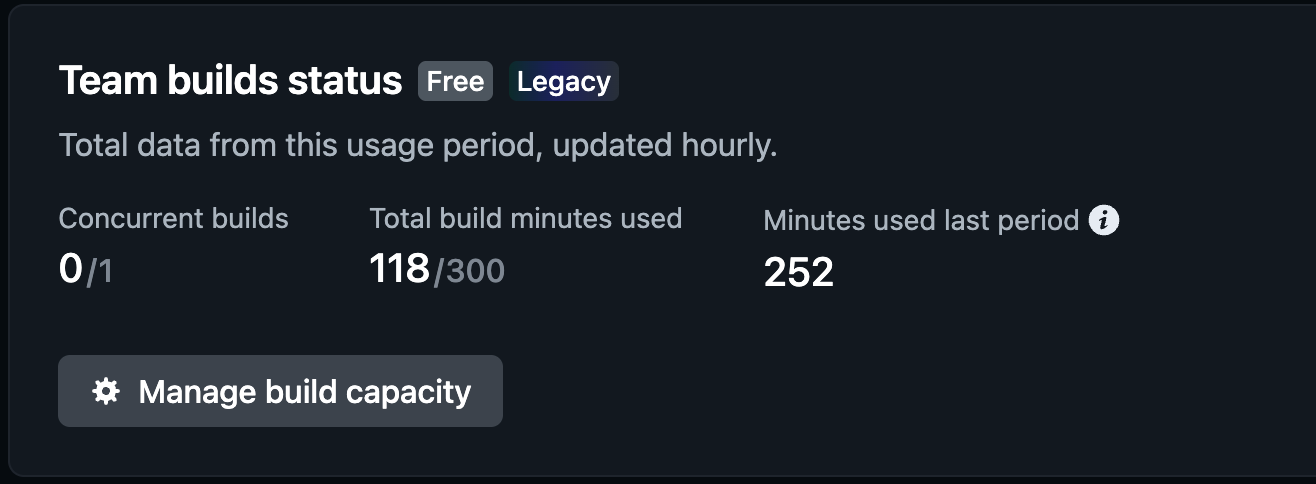
Netlify has a generous free tier. Your site might fail to build at first, but each time after that will be easier.
Use Someone Else’s Components
Don't build things from scratch when you can use someone else's code. Look for libraries—pre-built tools you can drop into your project. Periodically ask Claude: "Is there a library for this?" Otherwise, the AI will happily write you 200 lines of custom code when a library does it in five.
Here are a few that I like:
DataTables: For tables with sorting, filtering, search, and CSV export. And make sure you’re actually using it for everything: I was spending half my time on the front end just on filters—getting Claude to write custom filter code, realizing the filter code didn’t actually work, debugging filter code. Now, as much as possible, I use the filtering native to DataTables.
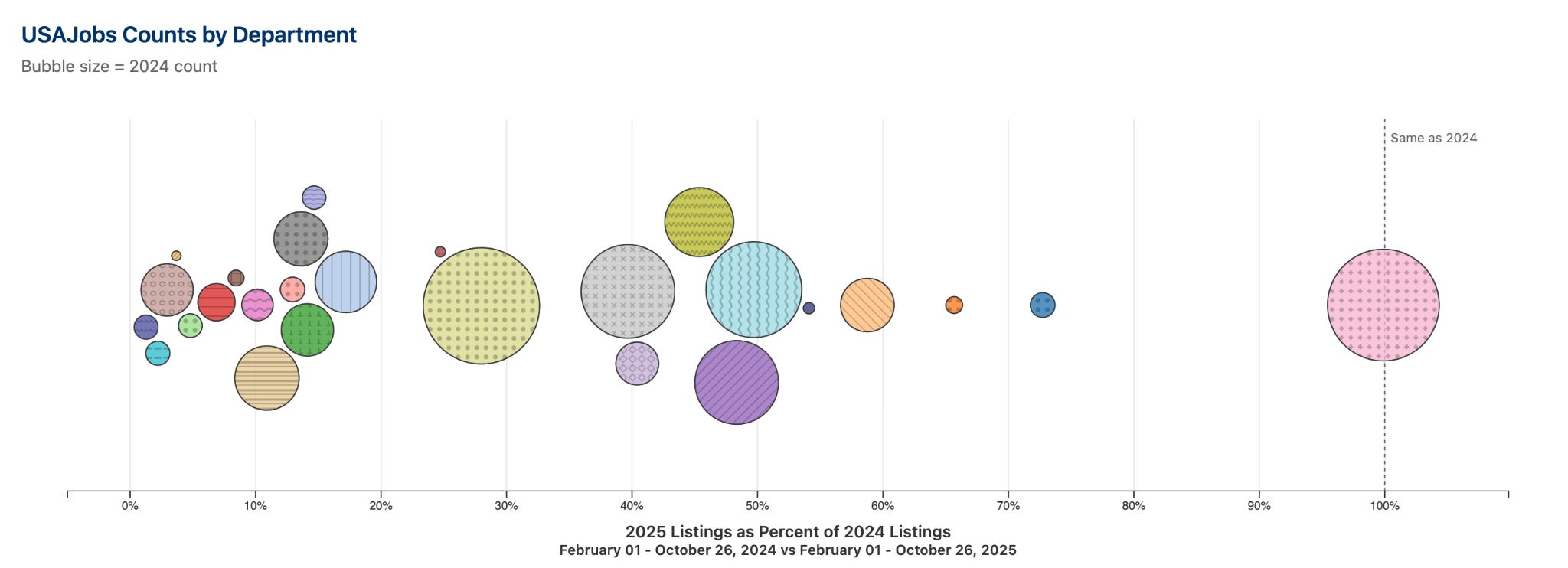
D3: If you want interactive data visualization that looks like what data journalists and other data viz pros use, you want D3. I tried to build a bubble chart in Python—where the size of each bubble represents a value—and it just wasn’t happening for me. The Python visualization libraries are great for static charts, but for anything interactive, I’m fighting them the whole way on appearance. With D3, I had a working interactive bubble chart in an evening. Yes, there are wrappers for D3 in other languages, but if you’re using tools like Claude Code anyway, you can just use D3 directly.
Bootstrap: For layout and basic visual stuff—buttons, cards, forms, making things look reasonable on mobile. Full disclosure: I’ve only used this twice, but I was able to delete hundreds of lines of CSS without making my sites look or operate worse.
Put Your Colors and Sizes in One Place
CSS—Cascading Style Sheets—is how you control what your website looks like. It’s separate from HTML, which is the structure and content. CSS handles colors, fonts, spacing, layout.
CSS lets you define variables—values you name once and use everywhere. When the color scheme changes, you change a few lines in one file instead of hunting through your whole repository.
I keep styles that show up on every page (tables, buttons, popup boxes) in a separate CSS file. Styles that are unique to one page can live directly in that page’s HTML.
Customizing your CSS is also how you stop your site from looking like every other AI-generated page, if that’s something you want.
Test Your Website
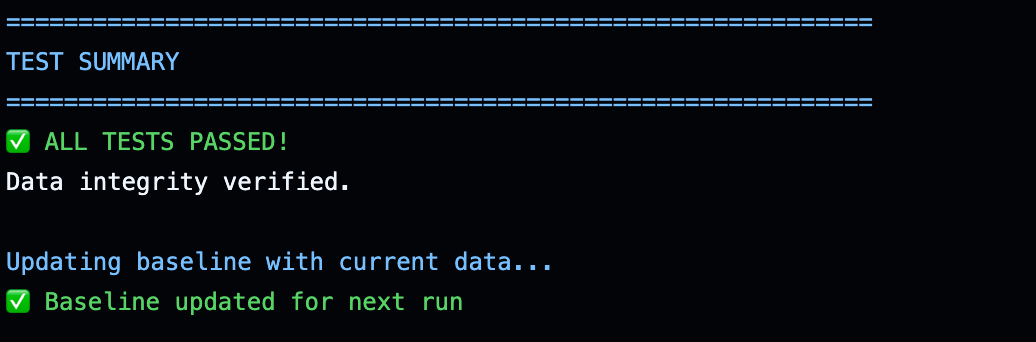
I test my sites now because I shipped broken stuff and didn’t notice until later.
There are two kinds of tests I use: data tests and front end tests. Data tests make sure the data is in the format I need and I didn’t drop any of it since the last time the pipeline ran.
I initially didn’t write front end tests, but they turned out to be easier than I thought, so now I do.
Four categories of front end tests catch most of my “it broke and I didn’t notice” problems:
Page loads without error. Catches broken imports, missing files.
Data loads. Makes sure the table isn’t empty.
Search/filters change results. Your search box looks nice, but does typing in it do anything? This catches when the user interface exists but isn’t connected to the data.
Search finds something you know exists. If your state filter has “Illinois” and your data has “IL”, you’ll get zero results. A test catches that mismatch.
You can run these as part of your GitHub Actions deployment setup: that is, GitHub can run both your data and your front end tests and only deploy to Netlify if they all pass.
For front-end tests, you'll need a headless browser. I use Playwright. It loads your page, clicks buttons, types in search boxes, and checks for expected behavior. And Claude Code is good at writing these tests if you describe what behavior you want to verify; I use it with the Playwright MCP Server.
Make Things Shareable via URL
This is more specific, but it’s a nice pattern that I’m using now and I really like.
You can put user selections into the URL, like yoursite.com/data?year=2024. Now that view is shareable. Someone can bookmark it. They can send the link to a colleague. Whereas if you store state only in the browser’s memory, it can’t be shared.
If You’re Coming from Python
I was brand-new to JavaScript, but I wasn’t new to coding, and so there were also some patterns I was able to bring over that were useful.
Don’t repeat yourself applies here too. If you’re writing the same code in multiple places, pull it into a function or a separate file.
Config files are nice. You can have a config.json that defines things like which fields to show or what the column headers should be. That way when those change, you change the config, not the code.
Keep your data separate from your display. Your data lives in a JSON file, not embedded in the HTML. When your pipeline regenerates the JSON, you don’t have to touch the website code.
Why This Matters (Or Doesn’t)
If you’re building a one-time site for fun that you’ll never touch again, most of this doesn’t matter. Ship it, move on.
But if you're planning to keep building on something—adding features, updating data, fixing bugs—there's a concept worth knowing: technical debt. Technical debt is what happens when you say "I'll fix this later" forty times and then, suddenly, it's later. It's the code you copied and pasted instead of abstracting into a function, so now you have to change it in multiple places. It's the CSS scattered across various files, so you can't find where that shade of blue is coming from. It's the deployment process that requires you to remember various manual steps including commenting out your code.
Technical debt isn’t always bad. Sometimes you take on debt intentionally because you need to ship fast. But the messier your code base gets, the harder every additional change becomes.
Everything in this post is about minimizing technical debt:
Using libraries means less code you wrote and have to maintain.
Abstracting shared code means changing code in one place when you need to fix something.
CSS variables mean updating colors once.
Tests mean catching bugs before you deploy.
Continuous deployment means not forgetting to push updates—and having a process that runs those tests before deployment.
Every line you write is a line you might have to debug later. The goal isn’t writing a lot of code—it’s writing as little as possible to do what you want.
I’m having fun building these sites, and I want to keep having fun. Technical debt is the opposite of fun.
And if you ever hand your project over to a developer, you want it to be a good transition—not one where they’re cursing you and your vibe coding.
For a bit higher level, https://andrewpwheeler.com/2024/09/24/types-of-websites-and-trade-offs/. At least for me (basically same background as you Abigail), when first building I did not understand how servers for websites work.
So this advice is for a *static* html site. Often if you ask the LLMs to build a site, they may do something like build a flask app (or Node). Those will require a different server set up (often paid), and IMO are overkill for many projects I see. If you need a server (say to keep secrets run server side to query a database), PHP sites are probably a cheaper/easier option than Node (given so many hosts for it).
I'm vibe coding a lot of websites these days, appreciate your tips for tables especially.